It remembers what helped last time
Most apps give you a breathe button and leave you there. This path stays through the peak, notes what actually helped, and uses that the next time you tap SOS.
SOS, ranked by what helped you
Open SOS and get a plan ordered by your own history — not a generic menu.
Then it loops — next time, SOS already knows what helped you.
What happens in each bit
SOS opens on one body action first — Cold Reset on day one, then whatever helped you after a couple of tagged waves. Coach, voice, and Night panic sit in the same list, not under More. Night panic becomes the hero only at night. Add an SOS widget to your phone home screen, lock screen, or Control Center so the next wave is one tap.
CBT-oriented cues in the moment — not only breathwork. Last step asks how you are and hands off to aftercare. Leave mid-wave and Home offers resume. After 90 seconds a “Need something else?” chip appears; at three minutes you get the full set: games, journal, visualizations, or longer audio.
Designed for a dysregulated nervous system: nothing to fill in until you're steadier. Even “just close” can tap one optional what-helped chip so the next SOS still learns. Education stays collapsed. Closure is an in-screen confirmation, with an optional remembered win.
Add details later when you're clear: triggers, sudden vs slow build, notes. Share a readable summary via the system share sheet — useful before therapy, not a raw JSON dump.
Sensitivity forecast and recovery phase (regulating → approaching → integrating) also shape home nudges and recommendations between episodes — so support continues after the peak.
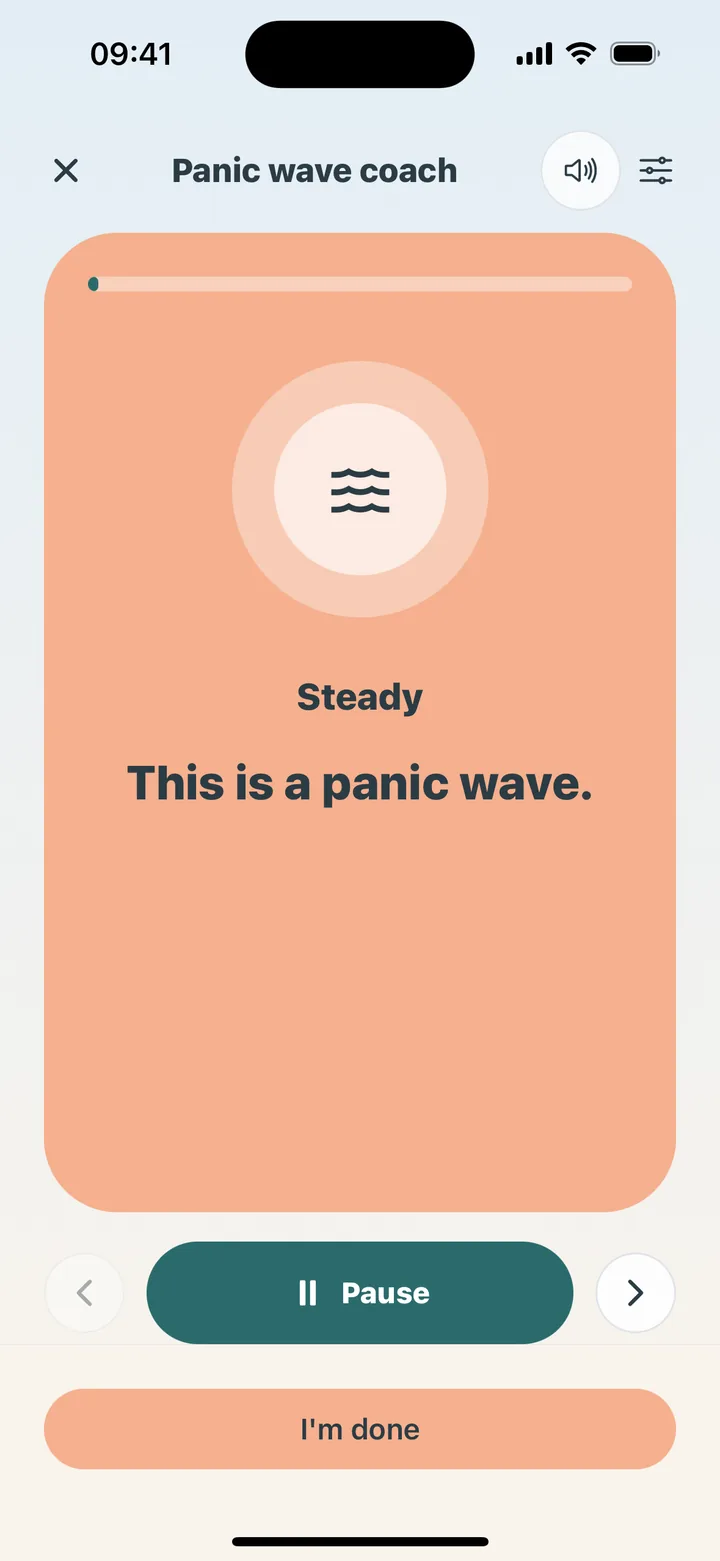
Five steps through the peak
Five steps you can follow when words are scarce: Steady, feet and room, long exhale, let it be here, ride it down.
Steady
Name the panic wave. It feels dangerous. It isn't. Stay with it.
Feet and room
Press both feet into the floor. Look around. Name one thing you see, then one you hear.
Long exhale
Inhale through the nose, a little more, then a long slow out — the physiological sigh that downshifts arousal.
Let it be here
Stop checking your pulse for now. Let the feeling be here. You don't have to fix it.
Ride it down
Allow it to rise, peak, and fall. Come back to the room as the wave passes.
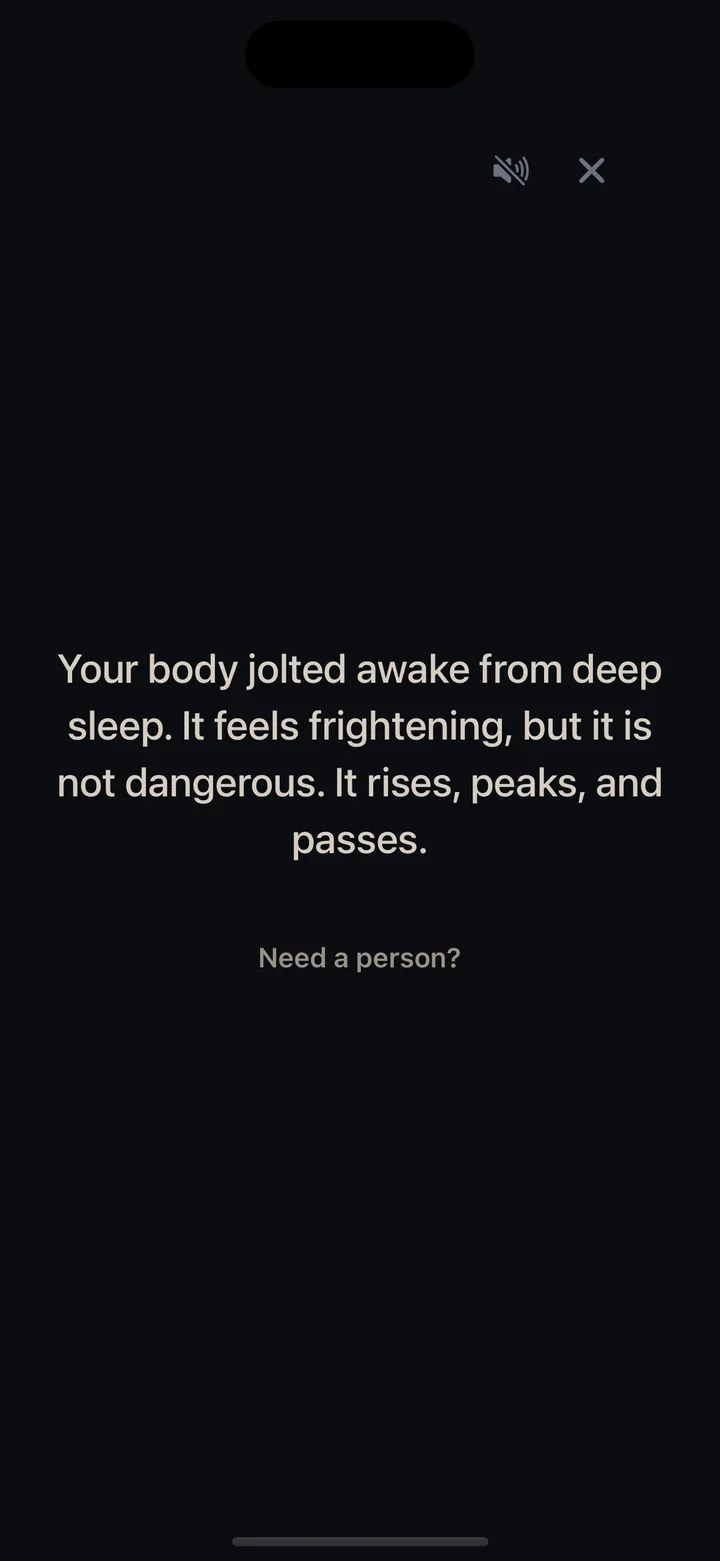
When the wave hits at 3am
Same panic path, night-specific UX — dim, black screen, stay-in-bed, and a bridge back to sleep.
On the home screen after dark
It stays in the SOS list. Home shows a night card during night hours.
A quiet sequence
Reassure, four cyclic sighs, then a sleep timer that dims the screen.
Stay in bed
A black screen, and stay-in-bed options, when light feels like too much.
Back toward sleep
Temperature, settle, breathe, then a bridge back to rest.
A log worth bringing to therapy
Triggers, intensity, what helped, sudden vs slow build — shareable as readable text, not a data dump.
CalmShield is supportive software and education — not medical advice, diagnosis, or emergency care.
Get the panic system
SOS, night support, breathing, recovery tools. iOS and Android, soon. Hop on the list if that sounds useful.
- Early access before public launch
- Founder pricing locked for life
- Unsubscribe anytime